
Your photos.
Day by day.
The photos and videos on your phone, sorted by day, week, month or year, and on your TV with a single tap. No accounts, no ads, nothing uploaded.

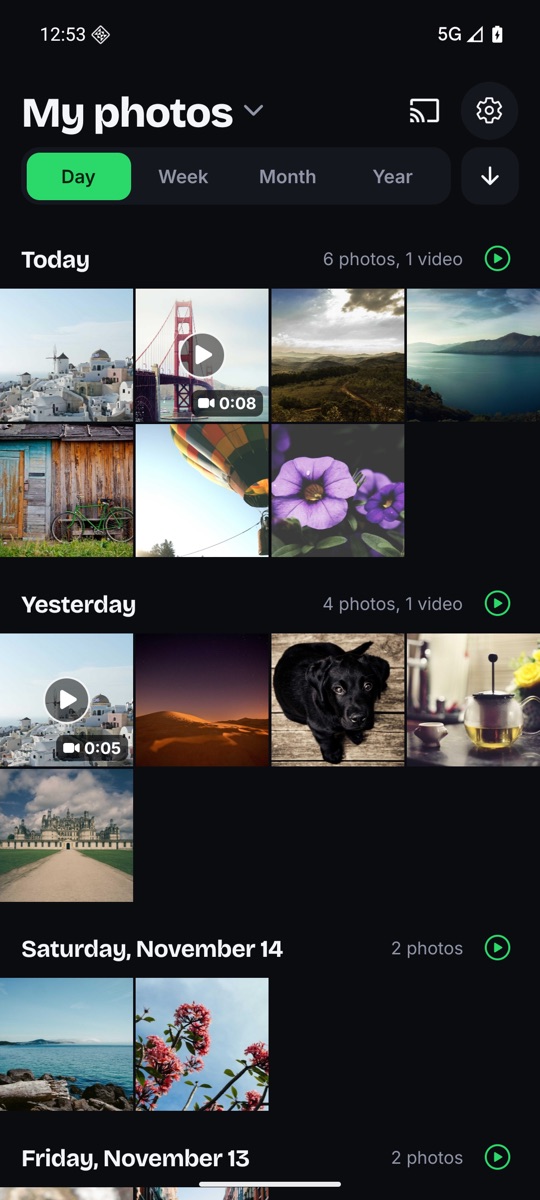
See it for yourself.
Tap any screen to see it full size, then tap again to zoom in.
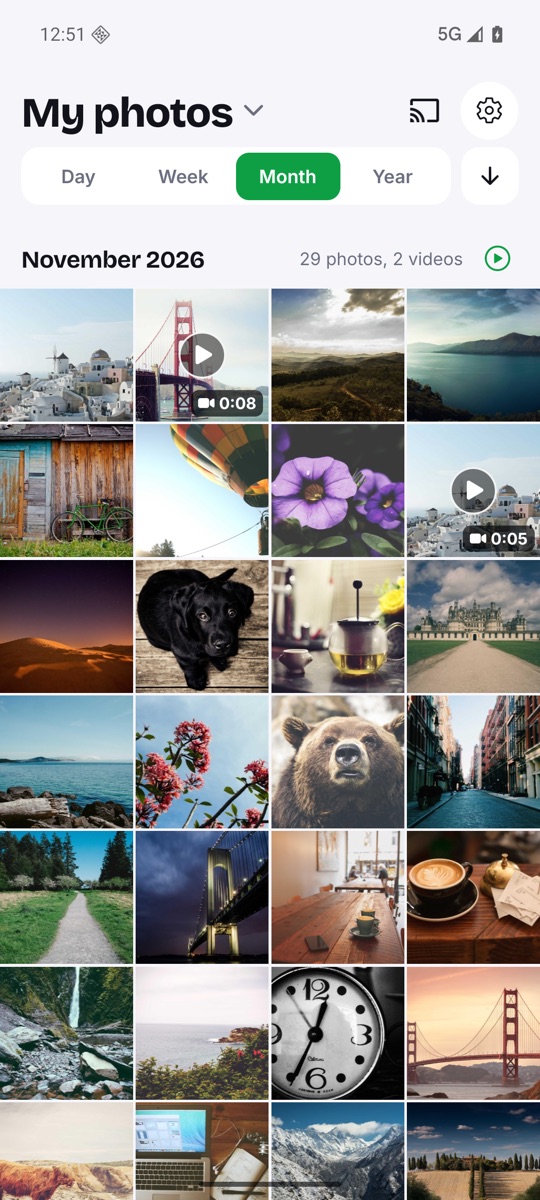
Day, week, month or year. You choose.
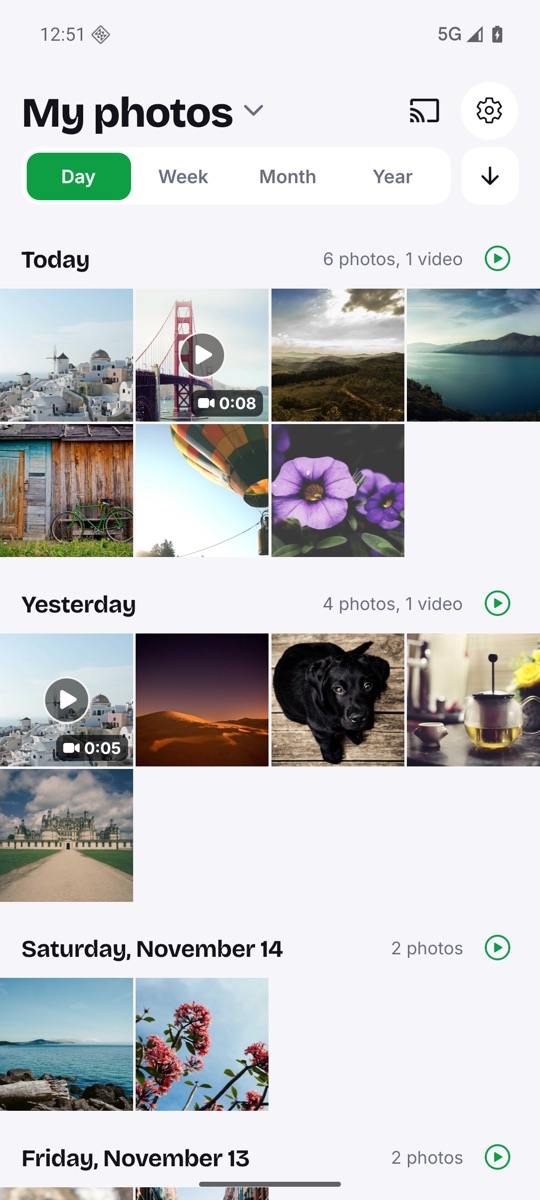
One switch decides how your photos are sorted and grouped, with clear titles like "Today", "Yesterday" or "November 2026" and a count for each group.
- Newest or oldest first, in one tap
- Uses the date the photo was taken
- Just your camera photos, or everything
Your phone is the remote.
Pick a TV with the Cast button and send a whole day, month or year as a slideshow. Swipe on your phone and the TV follows. Zoom in and the TV zooms too.
- Photos and videos, sharp up to 1080p
- Keeps going with your screen off
- Travels only over your home Wi‑Fi
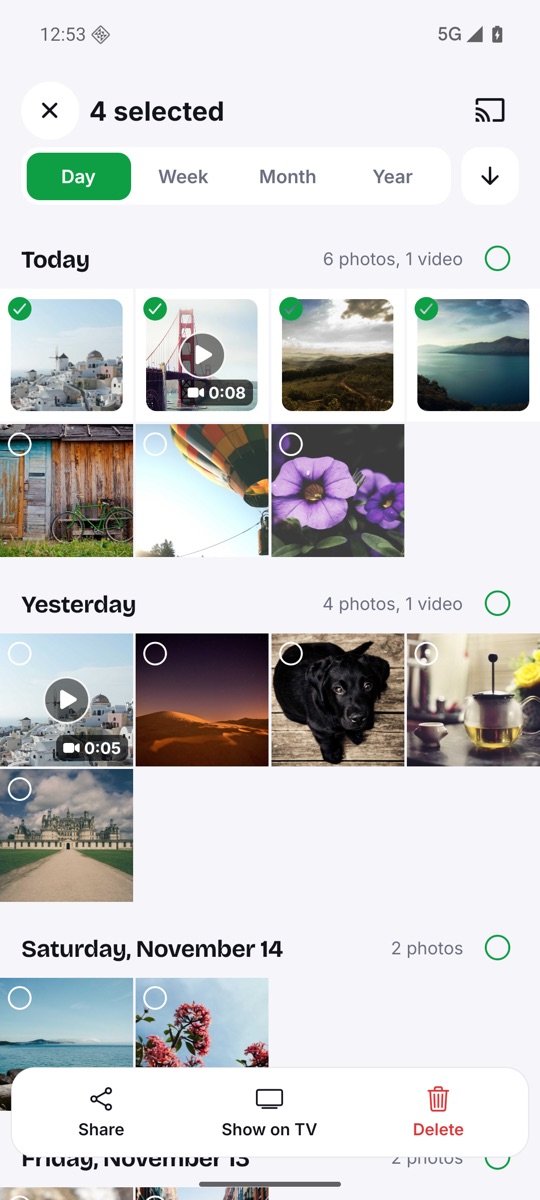
Select a few, or a whole day.
Long-press a photo, tap a few more, or tap a group's circle to select it all. Then share, show on TV or delete.
- Android confirms before anything is deleted
- Back or ✕ leaves selection
All the little things.
Fast with thousands
A smooth grid even with years of photos.
Slideshows
Play any day, week, month or year, on your phone or your TV.
Videos too
Durations on the thumbnails, and played right in the viewer.
Pinch to zoom
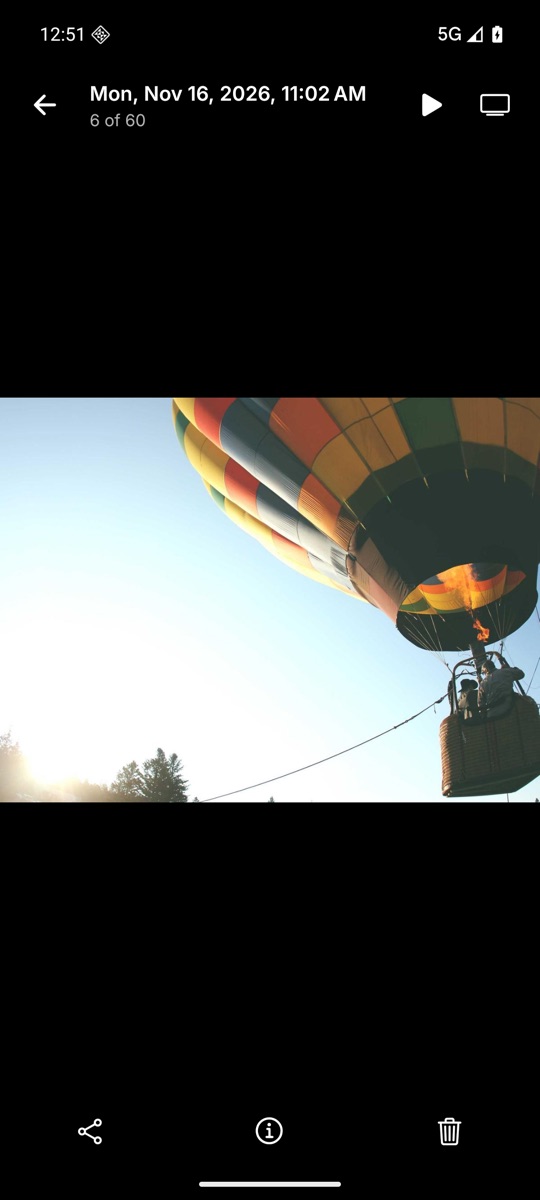
Pinch or double-tap. Tap once to hide the controls.
Always up to date
New photos show up when you come back to the app.
Light & dark
Light, dark or automatic. In English and Spanish.
Nothing leaves your phone.
No accounts, no ads and no analytics. The only photos that ever leave your phone are the ones you send to your TV, and they go over your local Wi‑Fi, never the internet.
Questions? Answers.
Does it upload my photos anywhere?
No. There's no cloud and no account. Your photos stay on your phone. When you cast, they go straight from your phone to the TV over your home Wi‑Fi.
Can I see WhatsApp images, downloads and screenshots?
Yes. By default you see your camera photos. Tap the title to switch to All photos. The app remembers your choice.
What do I need to watch on my TV?
A Chromecast or a TV with Chromecast built in, on the same Wi‑Fi as your phone. Tap the Cast button and choose your TV.
Will my videos play on an older Chromecast?
Yes. Videos an older Chromecast can't play (HEVC, 4K, HDR) are converted on your phone to 1080p before sending.
Can I delete photos by accident?
Android asks for its own confirmation before any photo is deleted.
Which languages are available?
English and Spanish.
Relive your days.
Get Sonrisa Gallery on Google Play and see your photos the way you remember them.