
Your music.
Beautifully yours.
A music player for the songs already on your phone. It finds the album art, keeps your listening stats and gives you a yearly Recap of what you loved. No accounts, no ads.

Made to be looked at.
Tap any screen to see it full size, then tap again to zoom in.
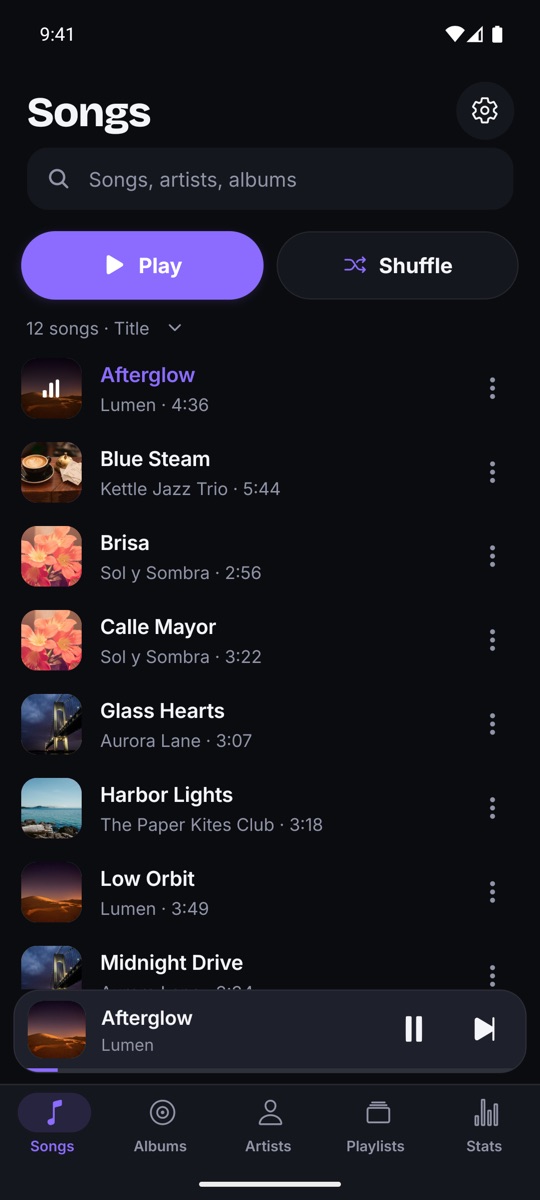
Every song you own, neatly sorted.
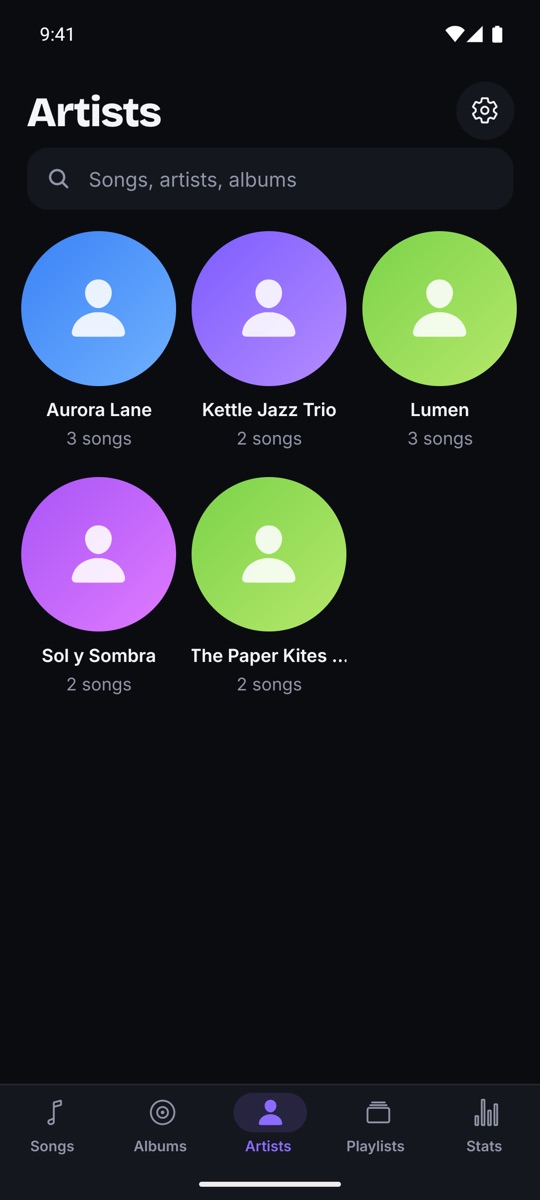
Sonrisa scans your phone and reads the real tags inside your files, so titles, artists and albums are right.
- MP3, FLAC, M4A, OGG and more
- Songs, albums, artists and playlists
- Instant search and per-folder filters
- "MONDO GROSSO" and "Mondo Grosso" count as one artist
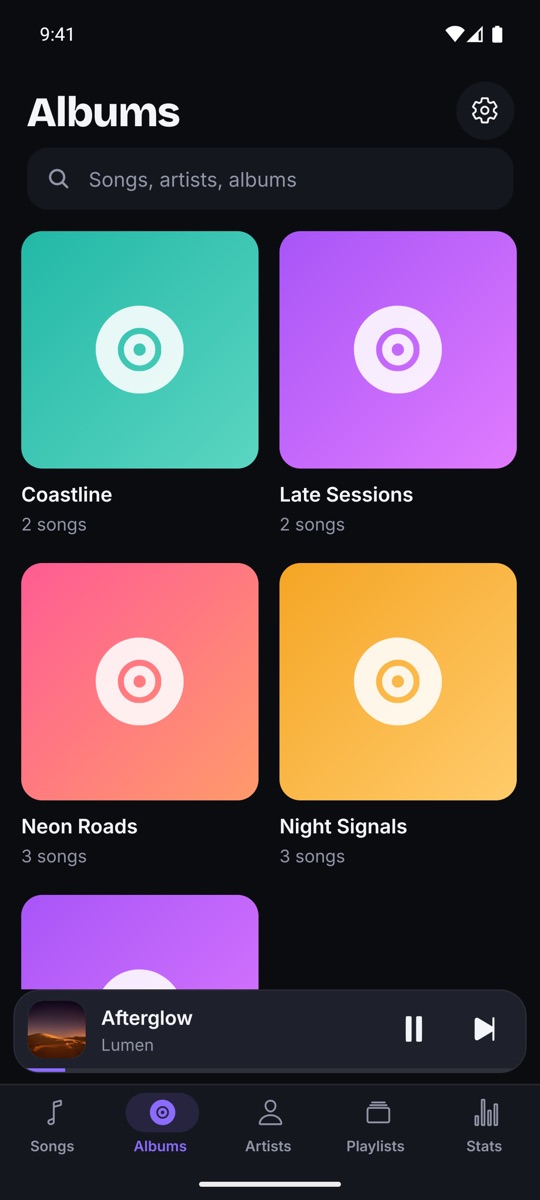
Covers and artist photos, found for you.
It uses the cover inside your file first. If there isn't one, it can look it up online. You can also pick an image yourself.
- Embedded covers come first
- Online lookup you can switch off
- Fill in all missing images in one go
- Fix a wrong cover or artist in two taps
See how you really listen.
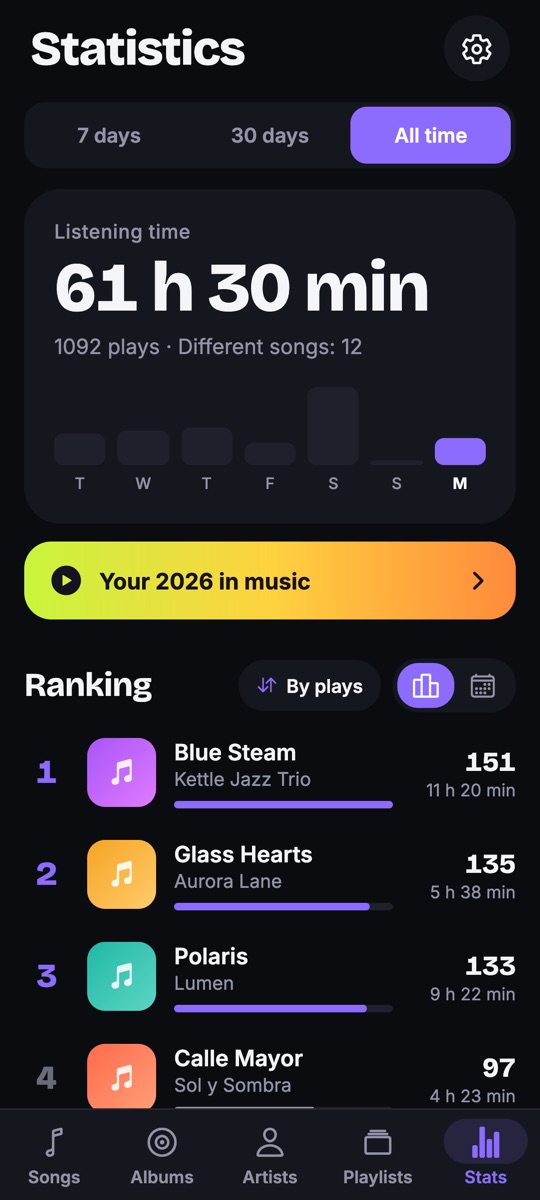
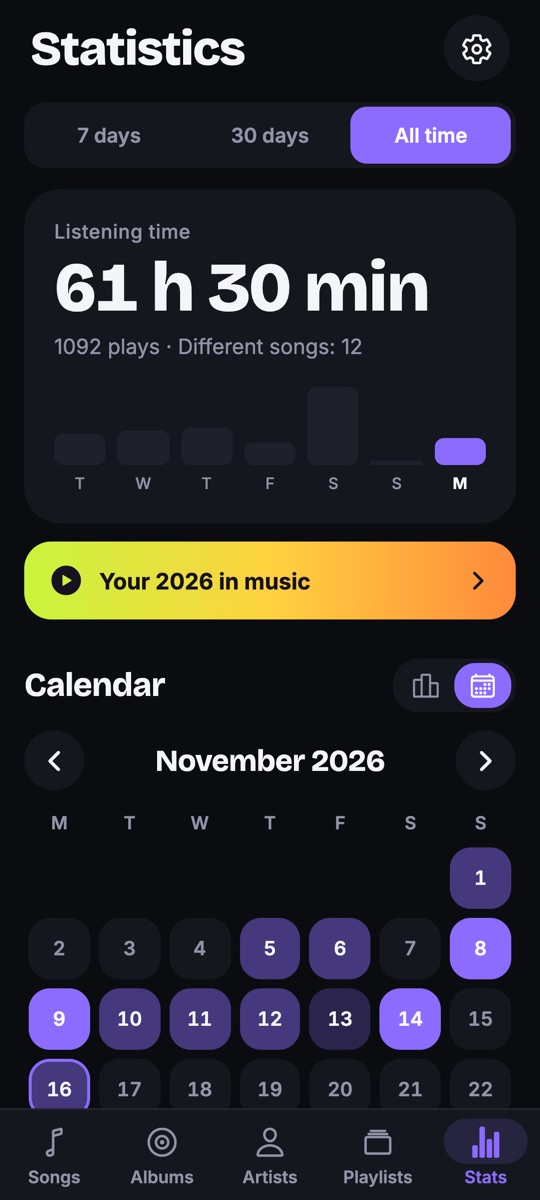
Listening time, plays and a ranking of your top songs, plus a calendar heatmap. Tap any day to see what you played.
- Rank by plays or by minutes
- All time, last 30 days or last 7 days
- Counts only real listening, not skips
- Private: it never leaves your phone
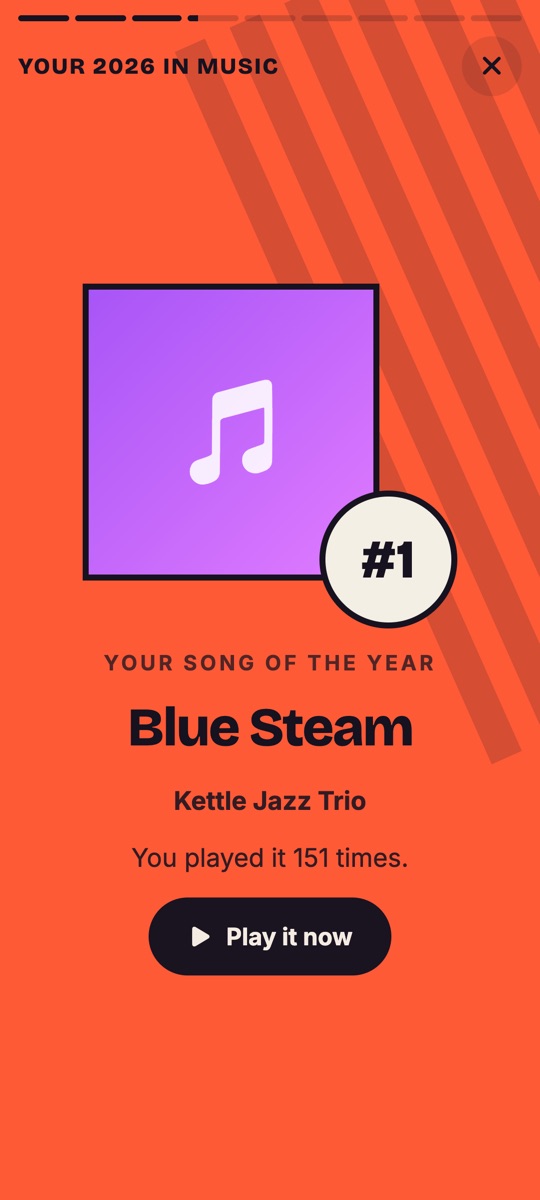
Your year in music.
Story by story.
Minutes listened, your song, artists and album of the year, and your listening personality. Can you guess your #1 before it's revealed?
All the little things.
Chromecast
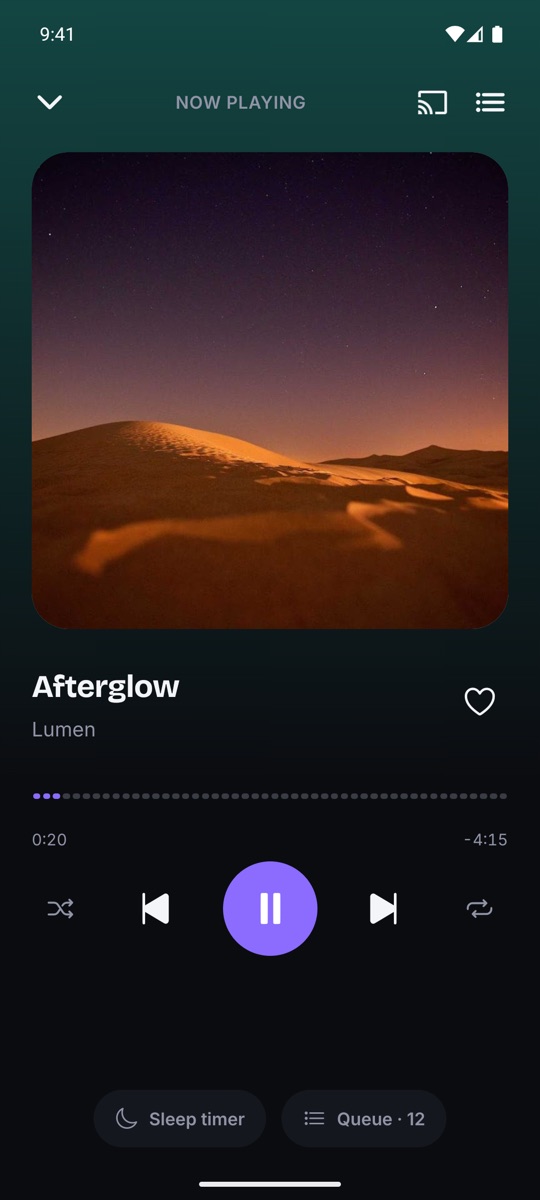
Send your music to a Chromecast on your Wi‑Fi, straight from your phone.
Home screen widget
Previous, play/pause and next, even with the app closed.
Sleep timer
Music stops after the minutes you choose, with a visible countdown.
Skips silences
Trims silence at the start and end of each track.
Queue & playlists
Play next, add to queue, favorites and your own playlists.
Lock screen controls
Keeps playing in the background, and picks up where you left off.
72 languages
Follows your phone's language, or choose one in Settings.
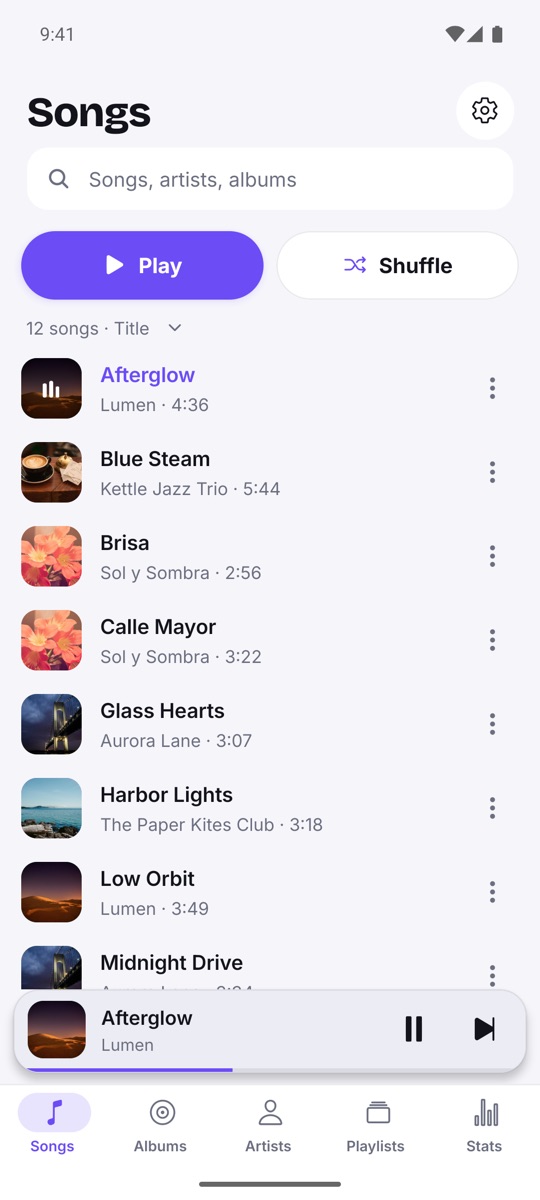
Light & dark
Light, dark or automatic, with screen reader labels on every control.
Your music stays yours.
No accounts, no ads and no analytics. Your music, playlists and stats live on your phone. The only thing that leaves it is the optional artwork lookup (a song title and artist name), and you can turn it off in Settings.
Questions? Answers.
Does it stream music?
No. Sonrisa plays the music files already on your phone. It doesn't need a subscription or a connection to play.
Which formats does it play?
Common audio formats such as MP3, FLAC, M4A and OGG. It reads the tags inside the files (ID3, Vorbis, MP4) for titles, artists and albums.
Do I need an account?
No. Open the app and your music is there. There's nothing to sign up for.
What leaves my phone?
Only the optional artwork and song-details lookup: the song title and artist name are sent to the Deezer and iTunes catalogs. You can switch it off in Settings. Your stats, playlists and listening history never leave your device.
Can I play music on my TV?
Yes. Use the Cast button to send music to a Chromecast on the same Wi‑Fi network.
Which languages are available?
72. The app uses your phone's language. You can also choose another one in the app's Settings, or on Android 13+ in the per-app language settings.
Press play.
Get Sonrisa Music Player on Google Play and fall for your music library again.